
Gymie in Claude and ChatGPT.
Connect your Gymie account to an AI assistant and ask about your workouts, meals and weight, or add a meal by describing it.


Gymie is in testing right now. Sign up and we’ll let you know
Ask about your data.
The assistant reads your meals, target, workouts with their sets, weight and favourite exercises, and answers from them.
It also sees a week of meals and training together, so you can ask about both at once.
Add a meal by describing it.
Write what you had for lunch, and the assistant finds the foods and adds the meal to your diary.
It can also log a weigh-in and star an exercise.
Its own MCP server.
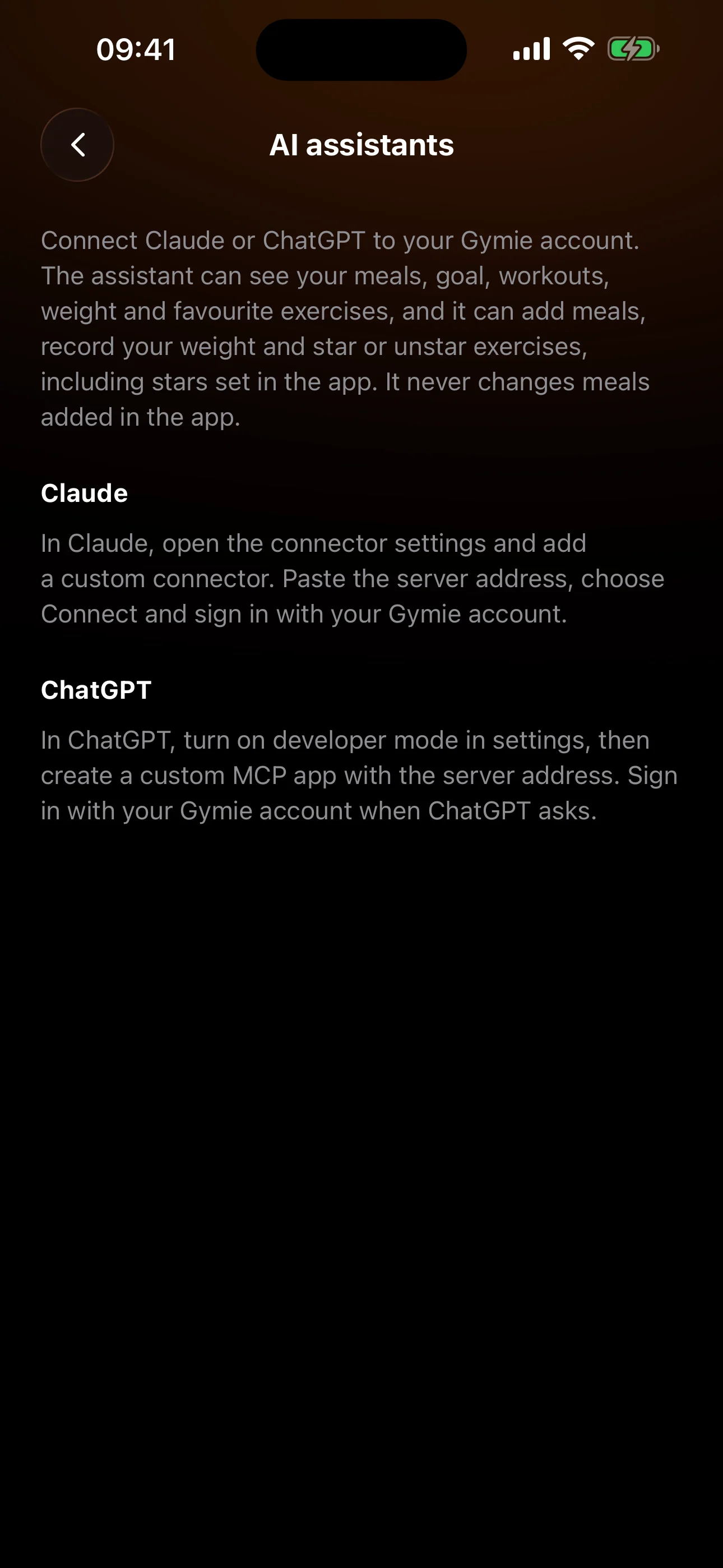
Gymie runs its own MCP server. Claude, ChatGPT or another assistant that supports remote MCP servers with OAuth sign-in connects to it.
The steps for Claude and ChatGPT are in the app, under AI assistants. You sign in with your Gymie account and can disconnect in the same place.
Try asking
- “How much protein am I eating on average this week?”
- “How many calories do I have left today?”
- “How have my squat weights changed over the last month?”
- “How has my weight changed since the start of the month?”
- “Add 200 g of chicken, 150 g of rice and a salad for lunch.”
- “Log today’s weigh-in: 78.4 kg.”
What the assistant can do
Read
- Finds foods in Gymie’s catalogue and in your own products
search_foods - Your saved meals with calories, macros and ingredients
get_saved_meals - One day of meals, the calorie goal and what is left of it
get_day - A week of meals and training together
get_week - Workouts with their exercises and sets
get_workouts - Favourite exercises, and the whole catalogue on request
get_favourite_exercises - Height, age, the current weight and the weighings of the last 90 days
get_body
Write
- Adds a meal to the diary
add_meal - Changes a meal an assistant added
update_meal - Deletes a meal an assistant added
delete_meal - Records a weighing
log_weight - Stars or unstars an exercise
set_favourite_exercise
Frequently asked questions
How do I connect Gymie to Claude?
In Claude, open the connector settings (Connectors) and add a custom connector with the address https://getgymie.com/mcp. Choose Connect and sign in with your Gymie account. The same steps are in the app, in Settings under AI assistants.
And ChatGPT?
In ChatGPT, first turn on developer mode in the settings, then create a custom MCP app with the same address. When ChatGPT asks, sign in with your Gymie account.
Can the assistant log a workout?
No. The assistant reads your workouts but does not log or change them. It adds meals, and changes or deletes only the ones an assistant added.
What does the assistant see?
Once you sign in with your Gymie account, the assistant reads your meals, target, workouts, weight and favourite exercises. What it reads goes to its provider, so connect only an assistant you trust.